Call us now :08037103719
 Send Inquiry
 Send Inquiry
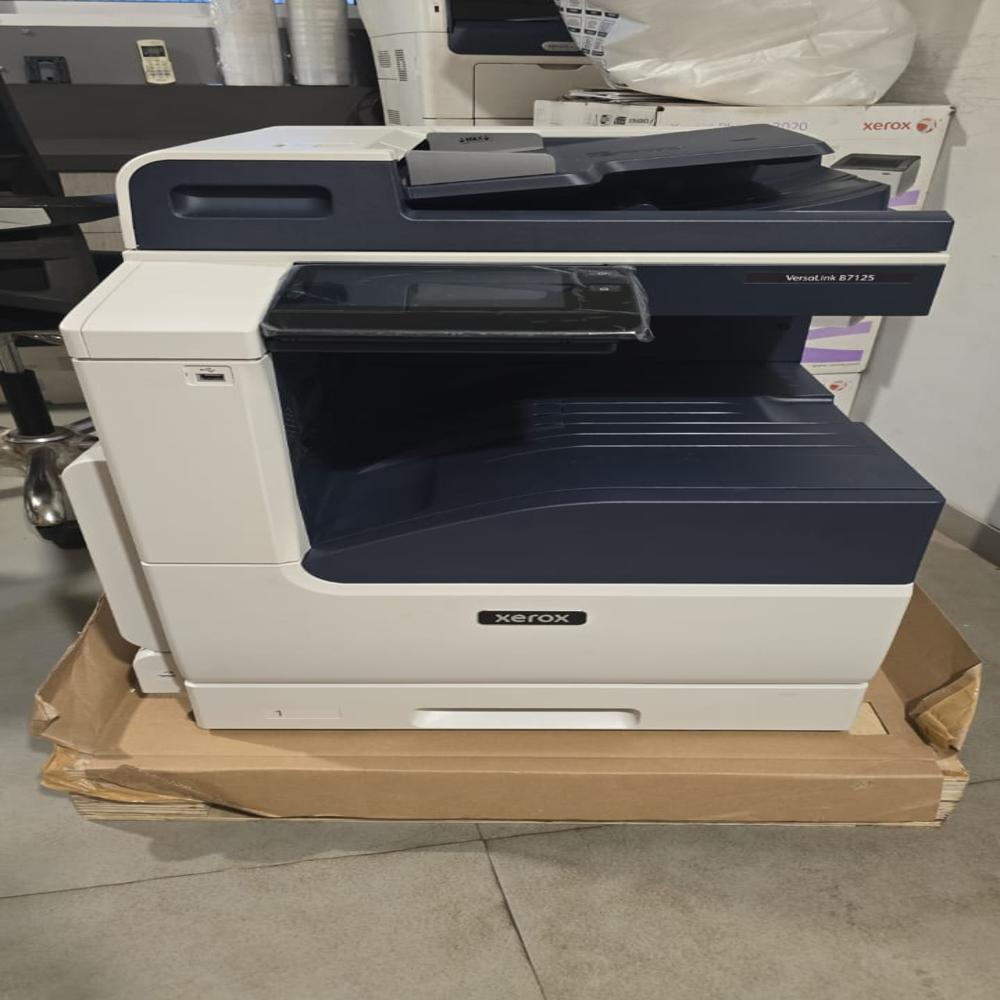
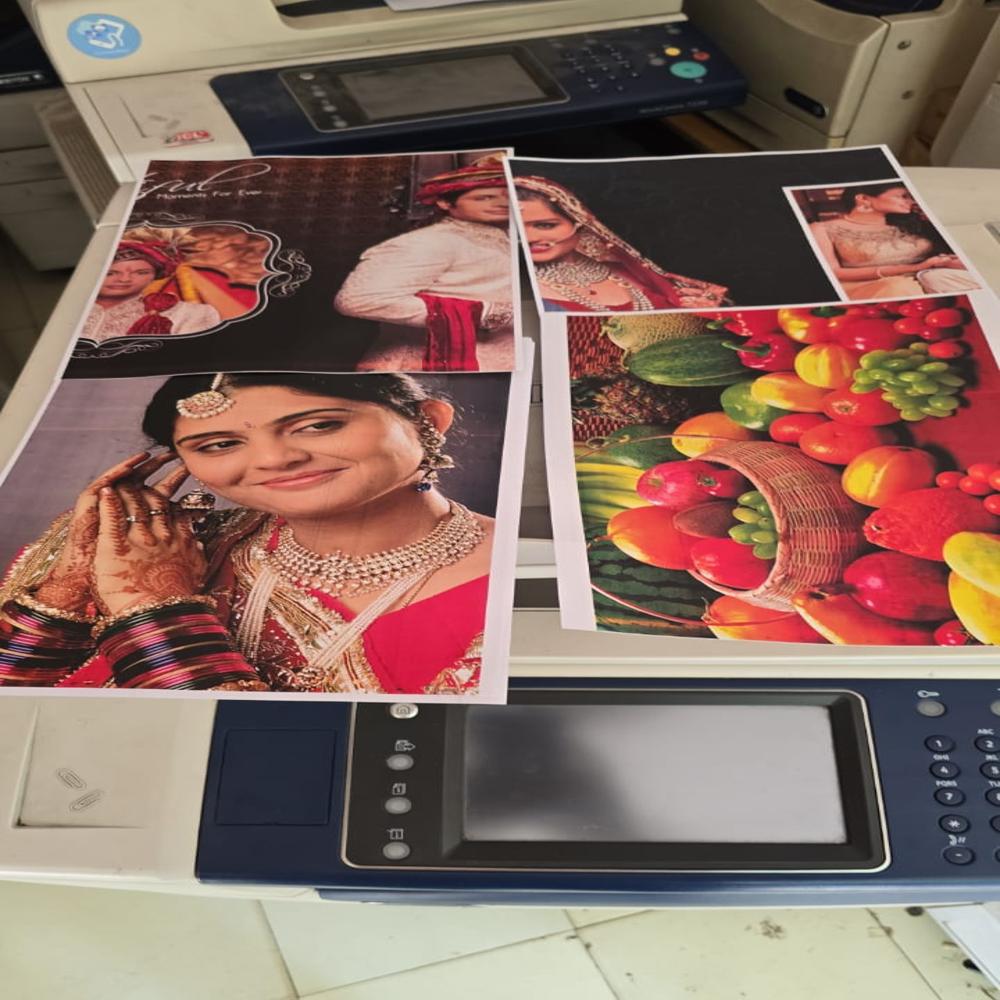
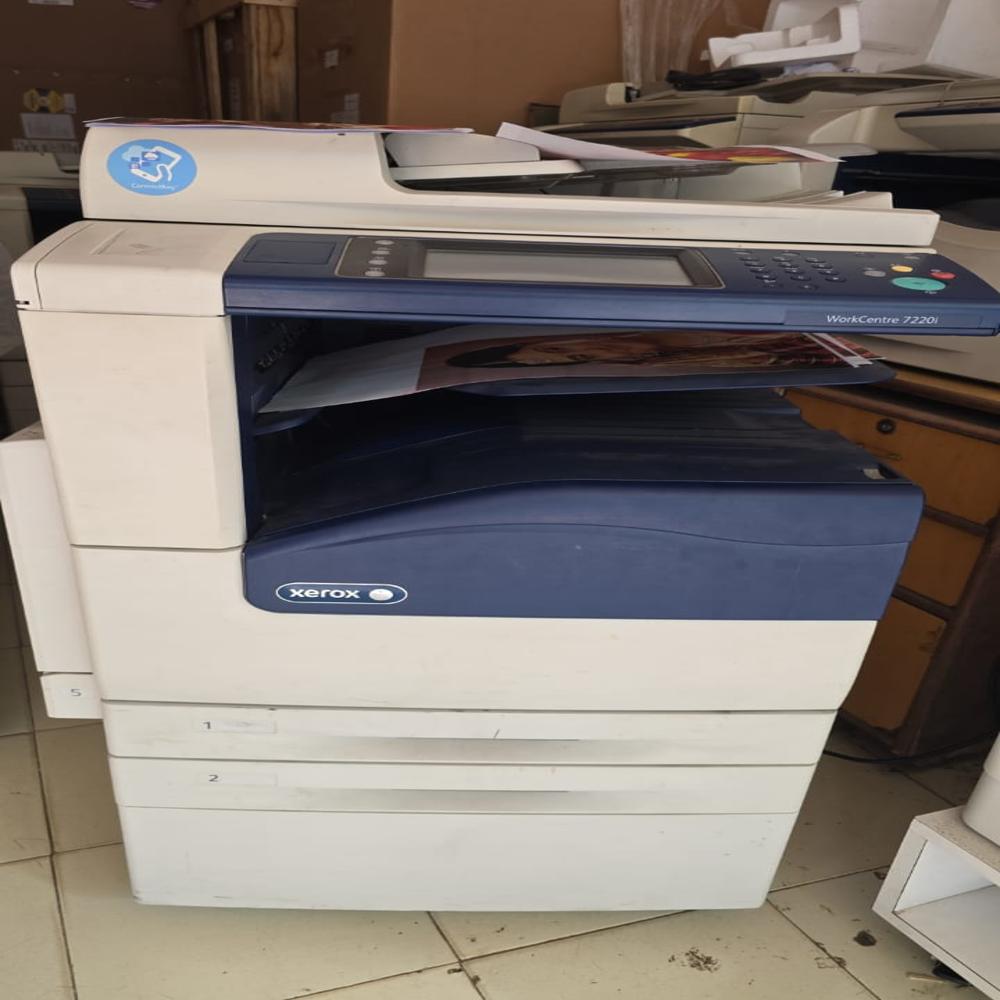
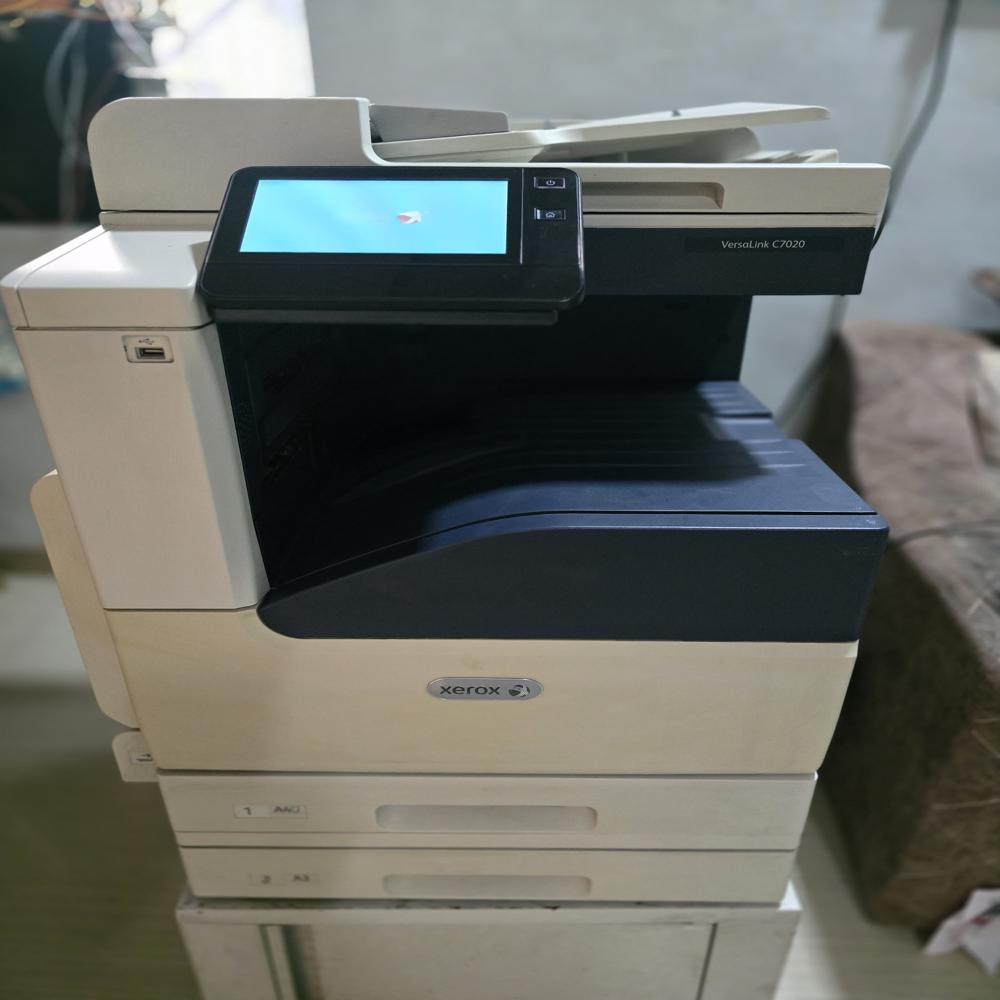
Second Hand Xerox Machine
Price 65000.0 INR/ Piece
MOQ : 1 Piece
Second Hand Xerox Machine Specification
- Capacity
- Up to 2000 sheets (with optional trays)
- Processor Speed
- 1.2 GHz
- Interface
- USB 2.0, Ethernet
- Power Supply
- AC 220-240V, 50/60Hz
- Cabinet Material
- ABS plastic with metal frame
- Features
- Duplex printing, Energy saving, Touchscreen display
- Humidity %
- 20% - 80% RH (non-condensing)
- Weight
- Approx. 68 kg
- Usage & Applications
- Photocopying, Color/Black&White Printing, Scanning, Document Processing
- Working Temperature
- 10C to 32C
- Print Speed
- 35 ppm
- Noise Level
- Less than 65 dB(A)
- Print Technology
- Laser
- Function
- Print, Copy, Scan, Fax
- Processor Type
- ARM Cortex A9
- Condition
- Second Hand (Refurbished)
- Material
- High-grade plastic and steel
- Dimensions
- Approx. 590 x 640 x 660 mm
- Gross Power
- Maximum 1600 W
- Voltage
- 220-240 V AC, 50/60 Hz
- Automatic Grade
- Automatic
- Color Print Speed
- 25 ppm
- Black Print Speed
- 35 ppm
- Maximum Paper Size
- A3
- Maximum Resolution
- 1200 x 1200
- Use
- Office & Shop
- Compatible Operating Systems
- Windows (7/8/10), Mac OS X, Linux
- Duty Cycle (Monthly)
- Up to 100,000 pages
- Memory
- 2 GB RAM, 320 GB HDD
- Toner Cartridge Yield
- Black: 30,000 pages, Colour: 22,000 pages
- Scan Resolution
- 600 x 600 dpi
- Paper Input Tray
- Standard 2 x 500 sheets, multiple optional trays
- Supported Paper Types
- Plain, Recycled, Card Stock, Pre-printed
- First Print Out Time
- Black: 5.2 seconds, Colour: 7.8 seconds
- Display
- 7-inch colour touchscreen
- Warm Up Time
- Approx. 30 seconds
- Security Features
- Secure Print, User Authentication, Data Encryption
- Network Protocols
- TCP/IP, SNMP, HTTP, IPv4/IPv6
- Output Tray Capacity
- 500 sheets
- Maintenance Kit Yield
- Up to 200,000 pages
Second Hand Xerox Machine Trade Information
- Minimum Order Quantity
- 1 Piece
- Supply Ability
- 100 Pieces Per Month
- Delivery Time
- 1 Week
About Second Hand Xerox Machine
Xerox Versalink B7125 (Copy/Print/Scan) Table Top
Size: Max A3, Speed: 25 PPM(A4), 7 Touch Screen UI Panel
Connectivity: 10/100 Base Ethernet, High Speed USB
Processor: 1.05 GHz Dual Core Memory: 4 GB RAM
STD Tray: 1x520 Sheet Tray Bypass Tray: 100 sheets
Scan: Scan to USB, Email, Network,
Single Pass Duplex Automatic Document Feeder: 130 SheetsAdvanced Productivity for Busy Offices
This Xerox machine provides fast print speeds of up to 35 ppm for black and 25 ppm for colour, supporting high-volume demands with a monthly duty cycle of up to 100,000 pages. The large paper input and output trays minimize interruptions, while duplex printing saves paper. The energy-saving design and quiet operation ensure it fits seamlessly into any workspace.
Versatile Connectivity and Compatibility
With USB 2.0 and Ethernet ports, plus support for major operating systems (Windows, Mac OS X, Linux), this copier adapts effortlessly to diverse IT environments. Its robust networking protocols-TCP/IP, SNMP, HTTP, IPv4/IPv6-ensure secure, flexible integration in office networks. Automated functions and intuitive touchscreen display streamline daily jobs for optimal efficiency.
Eco-Friendly and Cost-Effective
Refurbished to high standards with premium plastic and steel materials, this device presents an eco-conscious choice for organizations. The high-yield toner cartridges and maintenance kits lower operational costs and interruptions, while secure print and user authentication ensure document protection. Ideal for offices and shops, it balances performance, security, and sustainability.
FAQ's of Second Hand Xerox Machine:
Q: How do I install the second hand Xerox machine in my office environment?
A: The machine is ready to install using standard USB 2.0 or Ethernet connections. It is compatible with Windows (7/8/10), Mac OS X, and Linux operating systems. Simply connect the device, install the necessary drivers from the included CD or download from the manufacturer's website, and follow on-screen setup instructions displayed on the 7-inch colour touchscreen.Q: What types of paper and media can the Xerox printer handle?
A: This Xerox machine supports a wide range of media, including plain, recycled, card stock, and pre-printed papers. It accepts paper sizes up to A3, making it suitable for diverse office tasks such as copying, printing, and document processing.Q: When should I replace the toner cartridge or maintenance kit?
A: Replace the black toner cartridge after approximately 30,000 pages, and the colour cartridge after about 22,000 pages. The maintenance kit has a yield of up to 200,000 pages, ensuring extended usage before needing replacement. The device provides notifications via the touchscreen when supplies are low.Q: Where is this refurbished Xerox machine most beneficial?
A: This machine is an excellent addition to busy offices and shop environments that require high-volume printing, scanning, copying, and faxing. With a robust build, advanced security, and energy-saving features, it is particularly useful in document-intensive and customer-facing settings.Q: How does the secure print and user authentication function enhance document security?
A: The Secure Print and user authentication features require employees to verify their identity before sensitive documents are printed, ensuring confidentiality and reducing unauthorized access or printing. Data encryption further safeguards information transmitted over the network.Q: What is the maximum monthly print duty cycle, and what benefits does it offer?
A: This Xerox machine is built for durability, with a maximum monthly duty cycle of up to 100,000 pages. This allows organizations to meet heavy print demands without compromising performance or lifespan, making it cost-effective for midsize to large offices.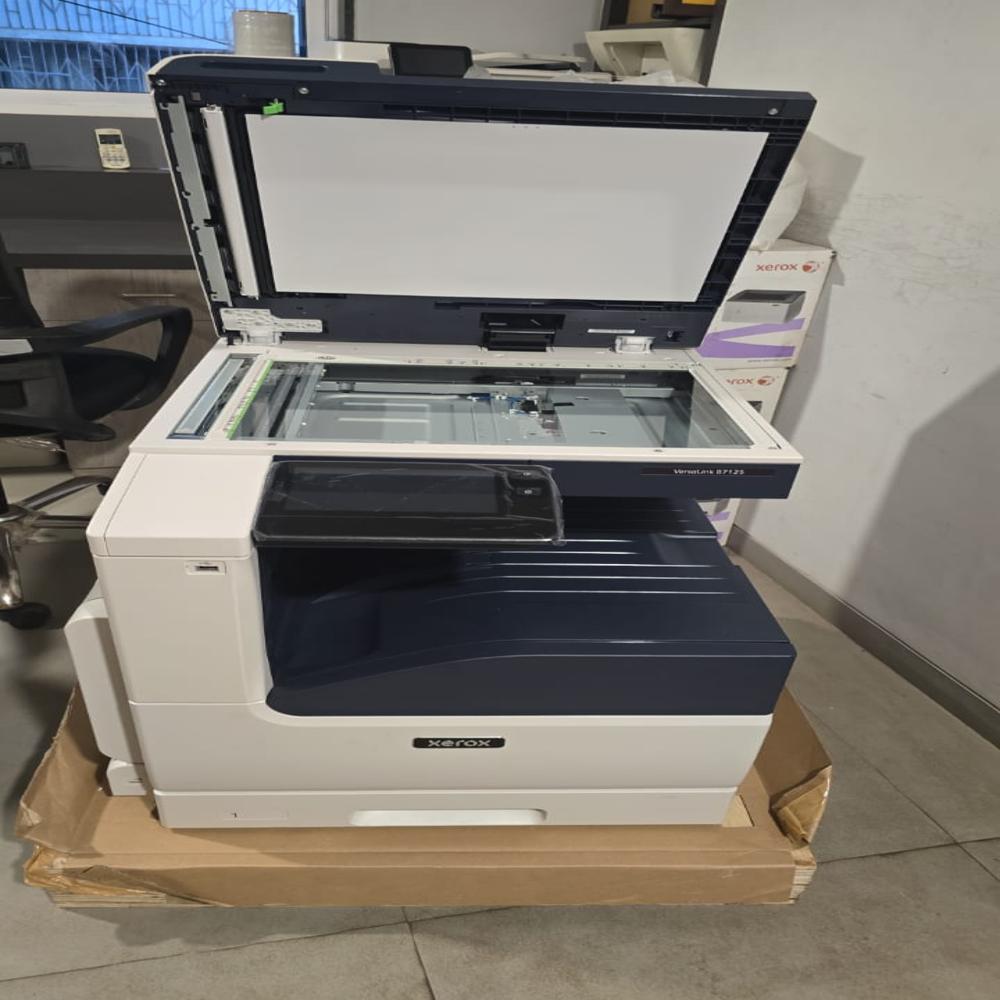
Tell us about your requirement

Price:
Quantity
Select Unit
- 50
- 100
- 200
- 250
- 500
- 1000+
Additional detail
Mobile number
Email

More Products in Xerox Printer Machine Category

Xerox Altalink 8030 Color MPF Printer Machine
Price 550000 INR
Minimum Order Quantity : 1 Unit
Condition : New
Automatic Grade : Automatic
Use : Industrial and Office
Material : Metal and Fibre
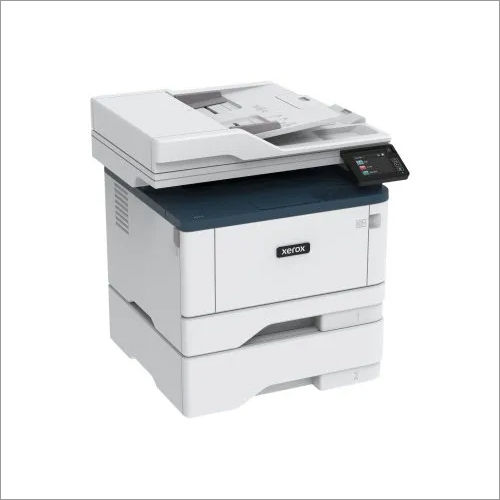
Xerox C315 Colour Multifunction Printer Machine
Price 74000 INR
Minimum Order Quantity : 1 Unit
Condition : New
Automatic Grade : Automatic
Use : Industrial and Office
Material : Metal and Fibre
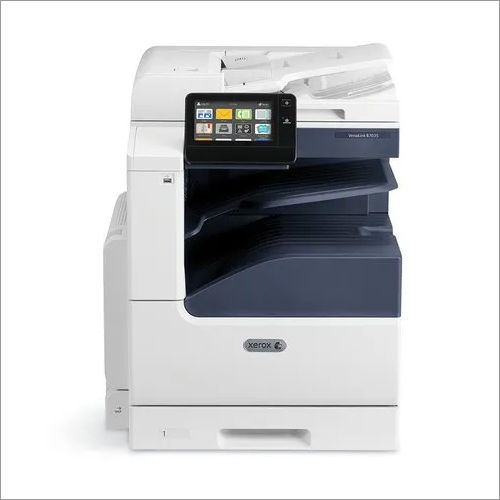
Xerox Versalink B7030 B And W Multifunction Printer Machine
Price 105000 INR
Minimum Order Quantity : 1 Unit
Condition : New
Automatic Grade : Automatic
Use : Industrial and Office
Material : Metal and Fibre
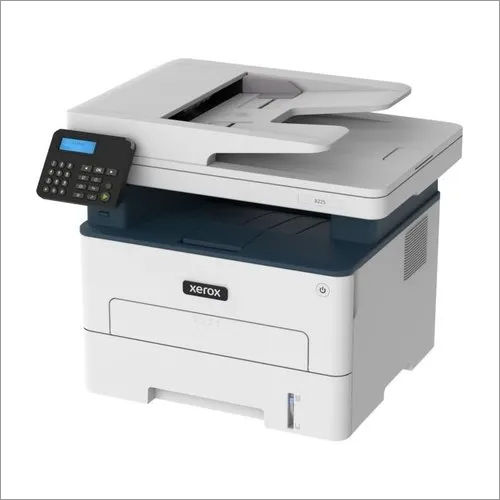
Xerox B225 Multi Function Printer Machine
Price 26000 INR
Minimum Order Quantity : 1 Unit
Condition : New
Automatic Grade : Automatic
Use : Industrial and Office
Material : Metal and Fibre


 Send Inquiry
Our Products
- Xerox Printer Machine
- Epson Printer Machine
- HP Printer Machine
- Kyocera Printer Machine
- Samsung Printer Machine
- TSC Printer Machine
- Copier Machine
- Photocopy Machine
- Scanner Machine
- Business Projector
- LED Monitor
- Projector Parts And Peripherals
- Mouse And Keyboards
- Lenovo Laptop
- Printed Repair Service
- CCTV Camera
- Biometric Attendance System
- Laser Printer Machine

204, Navkar Atlantis, Daulat Nagar Road No 3, Borivali East,Mumbai - 400066, Maharashtra, India

Mr Sandeep Bhurke
(Proprietor)
Mobile :08037103719
 Send Inquiry
Developed and Managed by Infocom Network Private Limited.
